How to Reset Motorized Blinds: A Step-by-Step Troubleshooting Guide
Table of contents
- Introduction: The morning my blinds stopped and what I learned
- What a “reset” really means (soft reset vs hard reset)
- Before you reset: Essential pre-checks that save time
- The general soft reset (power cycle) that fixes most glitches
- The general hard or factory reset (when you need a clean slate)
- How the motors inside your blinds work in 60 seconds
- Brand-by-brand reset guidance
- Somfy
- Hunter Douglas PowerView
- Lutron Serena Shades
- IKEA FYRTUR and KADRILJ
- Other popular brands like Bali, Graber, MySmartBlinds
- Post-reset programming: Limits, remotes, and smart home integrations
- Troubleshooting after a reset: If the shade still won’t budge
- When to call a professional
- Conclusion: Keep your blinds smooth and stress-free
Introduction: The morning my blinds stopped and what I learned
I remember the morning my living room motorized shades froze midway. Coffee in hand. Remote in the other. Nothing moved. I had kids to get ready and a meeting to prep for. The shades did not care. That little hiccup taught me how to reset motorized blinds fast. It also taught me why a smart shade not working often needs a simple reset rather than a full replacement.
Since then I’ve reset motorized window coverings from Somfy and Hunter Douglas to Lutron and IKEA. I’ve seen every flavor of problem. Unresponsive blinds. Shades out of sync. A blind that won’t go up or won’t go down. Tilt slats drifting off-angle. Motors that run then stop. Most issues resolve with a soft reset. A few need a hard reset or factory default. The rest come down to power, pairing, or limit programming.
In this guide I’ll show you the exact steps I use. I’ll cover general procedures and brand-specific tips. I’ll also explain how to set limits and re-pair remotes after a reset. You’ll see how to handle app control blind issues and smart home hub hiccups too. No fluff. Just the practical steps that get shades moving again.
What a “reset” really means (soft reset vs hard reset)
When people say “reset motorized blinds” they usually mean one of two things:
- Soft reset (power cycle): You remove power from the shade’s motor for a short time. Think of it as a fresh reboot. This clears temporary glitches without erasing settings. I use this for unresponsive smart blinds after a power outage or when a blind stops midway.
- Hard reset or factory reset: You trigger the motor’s internal reset routine. That wipes stored settings like travel limits and remote pairings. It returns the motor to factory default. I use this when limits drift badly, when pairing fails repeatedly, or when the motor behaves unpredictably after other attempts.
Here are common scenarios that call for a reset:
- Unresponsive blinds that don’t move at all
- New remote pairing or re-pairing after replacement
- Incorrect upper or lower limits when blinds don’t go all the way up or down
- Power outages or voltage dips that confuse the controller
- Intermittent malfunctions that disappear then return
- After replacing a motor unit, control module, or battery pack
I like to start simple. A soft reset fixes more than half of the issues I see.
Before you reset: Essential pre-checks that save time
Before you dive into resets do a quick sanity check. I follow this list and it saves headaches.
1) Confirm the power source
- Battery pack: Open the cover and make sure batteries sit in the correct orientation. If you have rechargeable packs check the charge level. Many motorized blind problems come from low battery voltage rather than a software glitch.
- Power adapter: Verify that the power cord sits tight and the outlet works. If you use a plug-in low voltage power adapter try a different outlet. If the blinds are hardwired check the circuit breaker for blinds in your panel.
- Power loss: If lights flickered or you had a recent outage you might see issues like blind position memory reset. A simple power cycle often clears it.
2) Look for physical obstructions
- Roller blinds: Check the fabric roll for creases or snagged edges. Confirm the crown and drive adaptor are seated correctly.
- Venetian or vertical blinds: Inspect the tilt mechanism and lift mechanism for jammed slats or twisted ladders. A manual nudge in the wrong place blocks motion.
- Roman or cellular shades: Look for cords or inner strings caught in the headrail.
3) Test the remote control or wall switch
- Remote battery: Replace the remote control battery if button presses feel sluggish.
- Distance and line of sight: RF motors don’t require line of sight but range still matters. Try from a closer spot.
- Wall switch: For wall switch control reset attempts make sure the switch has power.
4) Verify smart home connections
- App control: Open the app and see if the shade shows online. If it says unavailable check your Wi‑Fi, Zigbee, or Z‑Wave hub. Matter and Thread devices usually reconnect on their own yet I still check the hub.
- Hub health: If your hub or bridge went offline then reboots or firmware updates can leave shades unresponsive. A hub reset for smart blinds sometimes does the trick.
If the pre-checks look good then move on to a soft reset.
The general soft reset (power cycle) that fixes most glitches
A soft reset or power cycle clears minor faults without erasing settings.
- Disconnect power: Unplug the power adapter or remove the battery pack. For wired shades turn off the circuit feeding that outlet.
- Wait 30 to 60 seconds: Give the control module and motor driver time to discharge.
- Reconnect power: Plug the adapter back in or reinsert the battery pack. Flip the breaker back on.
- Test: Use the remote or app to send a simple up command. Then down. If it works you’re done.
I use this soft reset for:
- Unresponsive smart blinds after lightning or an outage
- Temporary motor overload trips or motor overheating sensor recovery
- Shades that stop midway once then behave again
If the shade still acts strange move to a hard reset.
The general hard or factory reset (when you need a clean slate)
A hard reset clears memory. That includes paired remotes and stored travel limits. Plan to reprogram the upper and lower stops afterward.
Here’s how hard resets usually work:
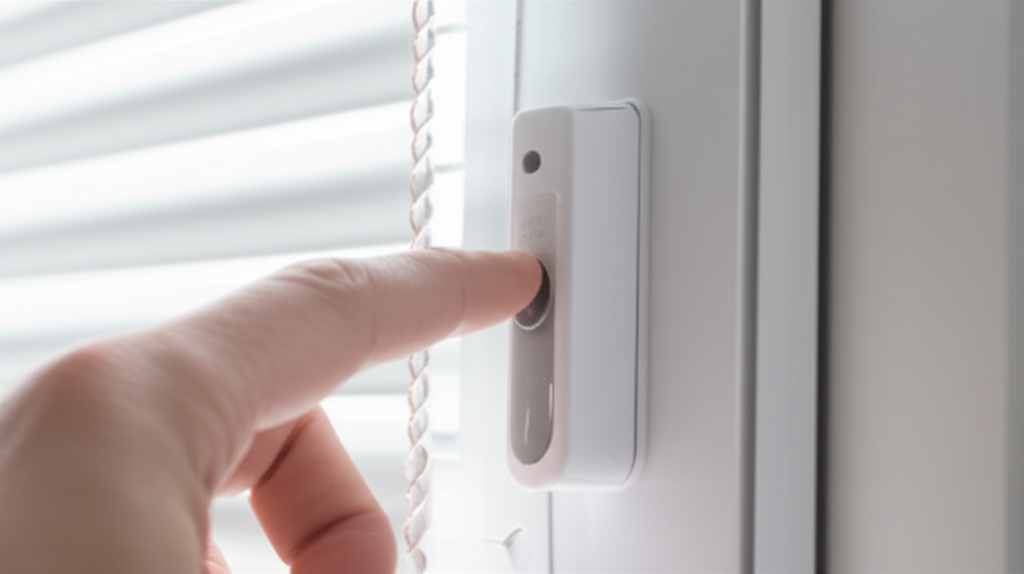
- Find the reset or programming button: On many motors it sits on the motor head inside the headrail near the crown. On others you’ll find it on the remote or a control unit.
- Press and hold: Most brands use a long press to enter programming mode. Some require a sequence like triple press then press and hold. Others use a double cut power cycle. Motors often “jog” to confirm the mode change.
- Follow the specific brand steps: Every brand has its rhythm. If the motor jogs but does nothing else try again. If it still fails consult the manual for the exact timing.
After a factory reset:
- You’ll lose travel limits. The shade might run too far until you set limits again.
- You’ll lose remote pairings. You need to re-link the handheld remote or wall switch.
- The shade might revert to a default direction. If up and down feel swapped you can flip direction during programming on most brands.
I keep the manual nearby during hard resets. It saves guesswork.
How the motors inside your blinds work in 60 seconds
You don’t need to be an engineer to reset blinds. That said I’ve found a little motor basics help when diagnosing stubborn issues like motorized blind noise problems or a shade motor not responding after a full charge.
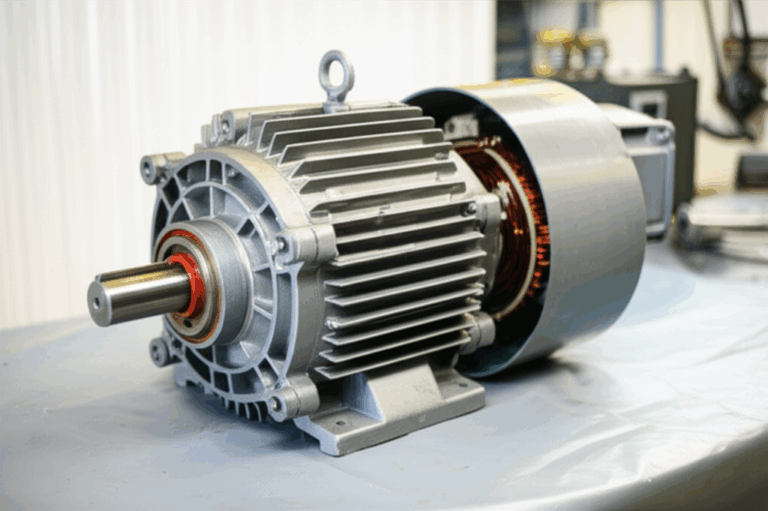
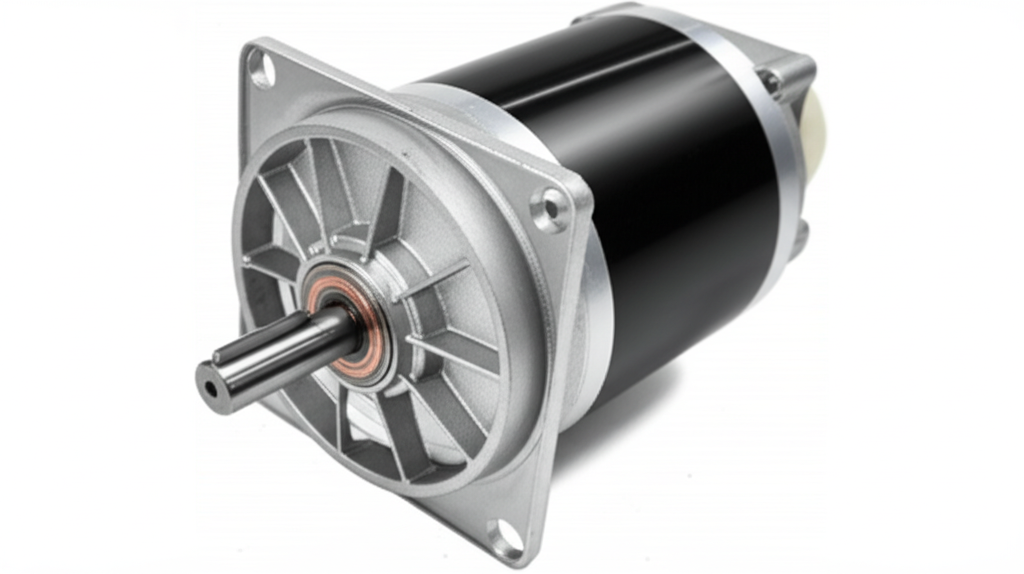
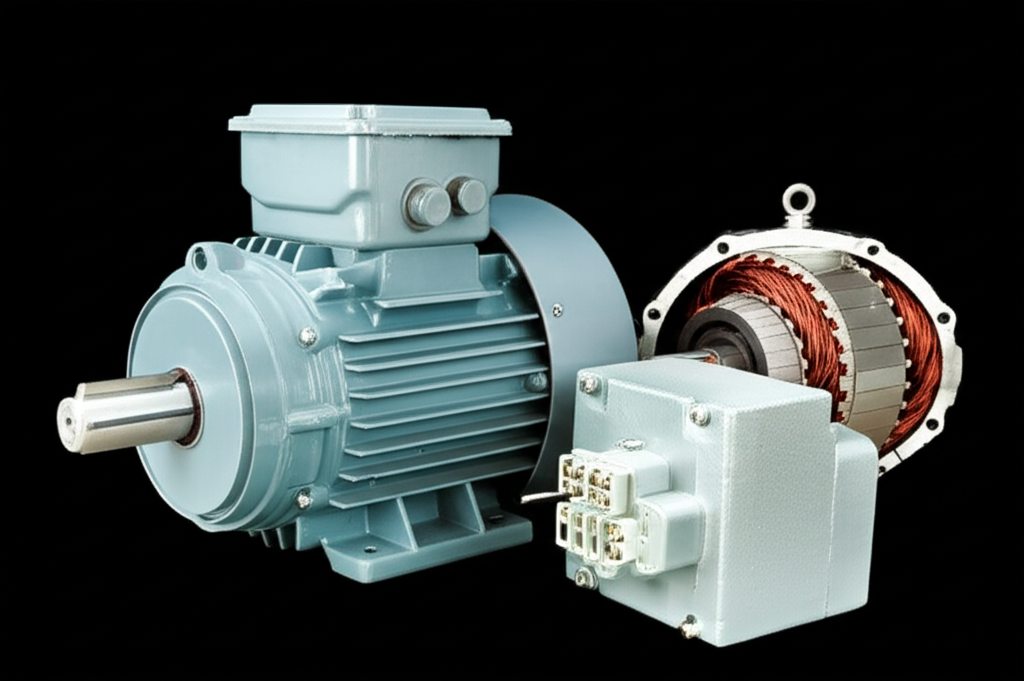
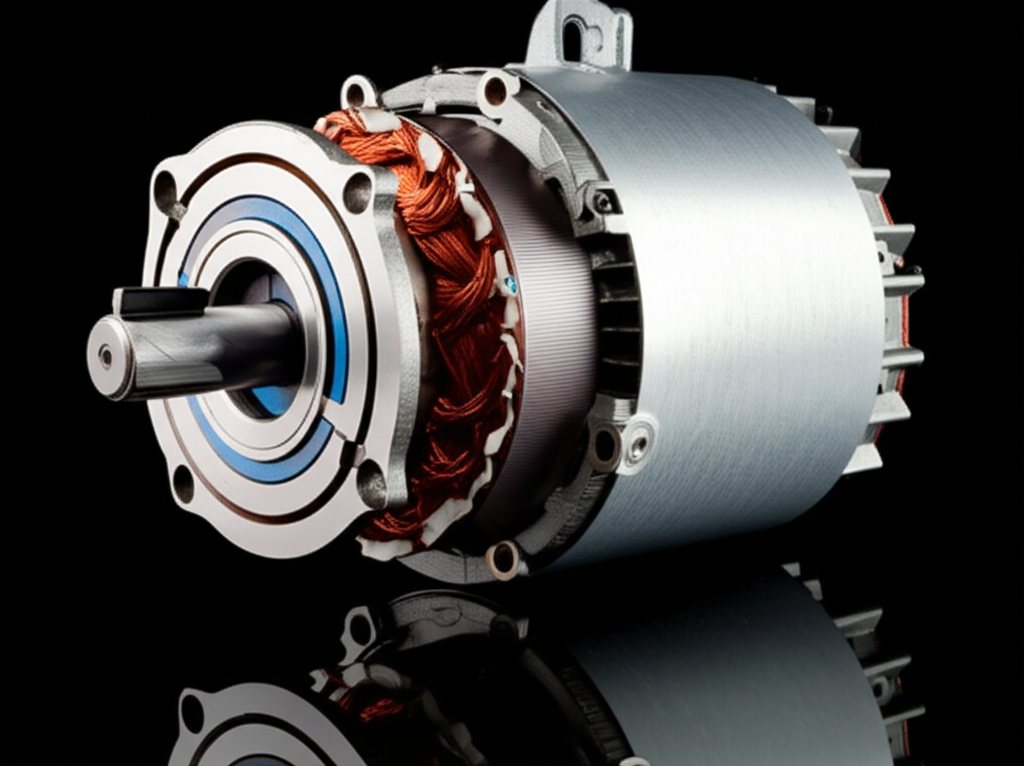
- Most blind motors use a compact DC motor with a gear train. The motor’s stator stays still and the rotor spins the tube. If this is new to you this quick primer on the stator and rotor helps.
- The motor driver inside the control module manages voltage and direction. If the driver overheats it shuts down until it cools. That’s why a wait time sometimes “fixes” a motorized blind overheating issue.
- Travel limits rely on a position sensor. If limits drift then the shade stops short or overruns. You’ll fix this with motor limit programming after a reset.
- Some motors include laminated cores to reduce losses and heat. If you want to dive deeper into why the metal stack matters take a look at electrical steel laminations.
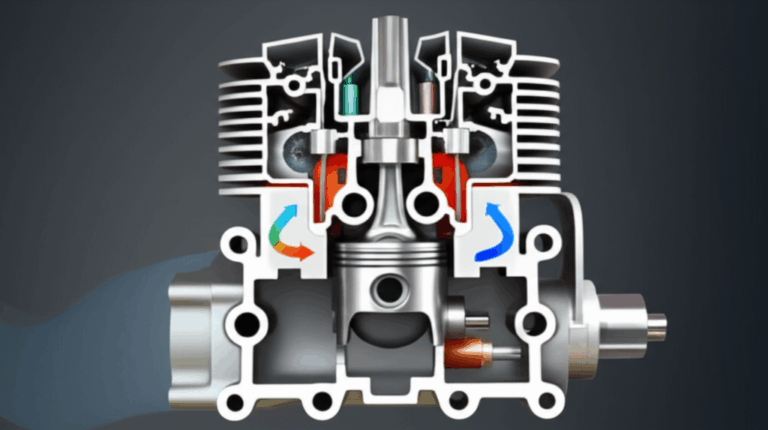
- Curious how electric motors create motion in the first place then this explainer on the motor principle makes the magic less mysterious.
That little bit of background has helped me spot overheating, miscalibrated limits, and wiring issues quicker.
Brand-by-brand reset guidance
Every manufacturer follows the same big ideas. They just wrap them in different buttons and steps. I’ll share what has worked for me across popular brands. I’ll avoid giving exact second counts because firmware varies by model.
Somfy motorized blinds reset
What I typically see:
- Somfy motors like Sonesse often respond to a power cycle when the shade stops midway for no obvious reason. I unplug the power supply then wait a minute then plug it back in. I test the remote. Half the time that’s it.
- Many Somfy remotes use a programming or “P” button. The motor head may also have a recessed programming button.
- To re-enter programming mode I hold the P button until the shade jogs. If nothing happens I try a power cycle then try again.
- After a factory reset I set upper and lower limits. Setting upper limits and setting lower limits follow a guided process. I usually move the shade to the desired end point then store it with the P button per the manual.
- If I need to re-link a remote I put the motor in programming mode then press the pairing button on the remote. You may see one or two jogs to confirm.
- If I use a Somfy TaHoma or Connexoon hub I check the app. If the hub lost the shade I remove it and add it again. I also look for RF interference because RF motorized blind problems sometimes come from noisy neighbors like baby monitors.
Common Somfy notes from my jobs:
- If the shade direction reverses after a reset I use the remote’s direction flip function.
- If the shade runs for a second then stops repeatedly the lower limit might be wrong or the motor might be hitting an internal safety. I clear limits then recalibrate.
Hunter Douglas PowerView shades reset
What I typically see:
- PowerView shades sometimes need a hub reset and a shade reset if scenes run late or not at all.
- I start with a battery pull reset on the shade. I remove the battery wand then wait. I reinstall then test basic up and down.
- If the shade remains offline in the app I reboot the PowerView Hub. Then I check repeaters if I have them.
- To reset an individual shade I use the shade’s programming button. The motor jogs when it enters programming. I follow the PowerView app prompts to recalibrate limits and rejoin the network.
- If scenes run but the blind won’t go all the way up or down I open the app and recalibrate limits. The app walks me through travel range.
Common Hunter Douglas notes:
- PowerView likes clean power. Weak batteries cause strange behavior. Fresh batteries fix a surprising number of cases.
- If a shade keeps losing connection I move the repeater or add one. Zigbee network health matters for PowerView.
Lutron Serena Shades reset
What I typically see:
- I start with a battery pull reset for a quick soft reset. I remove the batteries then wait a minute. I put them back then test.
- If I need a hard reset I use the programming button on the shade to enter programming mode. The shade gives a jog. I follow Lutron’s sequence to clear limits if needed.
- To re-link a Pico remote I put the shade in pairing mode then press and hold the desired button on the Pico until the shade jogs. I keep it simple. Pair the remote then set upper and lower limits.
Common Lutron notes:
- Lutron’s radio is robust yet distance still matters. If a Pico sits far away you might see intermittent malfunctions.
- Serena shades do best with fresh alkaline batteries. Rechargeables sometimes sag under load.
IKEA FYRTUR and KADRILJ reset
What I typically see:
- IKEA shades respond well to a motor head button reset. I press and hold until the shade jogs then I release.
- I re-pair the included remote by holding the pairing buttons near the shade until the LED blinks. If there’s an IKEA gateway or hub involved I reset the hub only if the app cannot find the shade after a sleep‑wake cycle.
- After a hard reset I run the shade fully up and fully down once or twice. That helps the blind motor calibration learn travel range.
- If the shade doesn’t hold position or drifts I re-run the limit and memory sequence.
Common IKEA notes:
- The battery pack needs a solid charge. A weak pack leads to an unresponsive smart blind that wakes up then dies.
- The fabric roll direction matters. If limits feel off check mounting orientation per the manual.
Other popular brands: Bali, Graber, MySmartBlinds
What I typically see:
- Bali and Graber motors share similar approaches. I look for a reset button on the motor head or a controller. I do a soft reset first. If needed I hold the programming button to enter pairing mode then I re-link the remote. Limits get set after pairing.
- MySmartBlinds and other retrofit kits often use app control. If the app fails after an update I power cycle the motor, forget the device in Bluetooth, then re-add it. If the blind not holding position persists I recalibrate limits in the app.
General advice for these brands:
- Use the brand manual for exact timing. “Press and hold for 5 seconds” sometimes changes to “8 seconds” after a firmware update.
- If you use Z‑Wave or Zigbee integrations delete and re-add the device after a factory reset to avoid ghost entries.
Post-reset programming: Limits, remotes, and smart home integrations
Once you reset you need to teach the shade how far to travel and who controls it. Here’s the method I use across brands.
A) Set upper and lower travel limits
- Move the shade to the desired bottom stop. Use the remote or app to inch it down until you hit the perfect spot. Save the lower limit following your brand’s steps.
- Move the shade to the top stop. Stop short of the physical top to avoid fabric stress. Save the upper limit.
- Test both directions several times. If the shade stops short redo the limit switch adjustment. Many motors need a clear save action for each limit.
B) Pair or re-pair the remote control
- Put the shade in pairing mode. The motor should jog.
- On the remote hold the pairing or programming button. Watch for a jog or LED confirmation.
- Label the remote if you have multiple rooms. You’ll thank yourself later.
C) Integrate with your smart home system
- Re-add the shade to your smart hub or app. For Zigbee blinds troubleshooting I like to add one shade at a time then test control from the hub.
- For Z‑Wave blinds reset and re-include the device. Use a proper device exclusion first if the hub still thinks it exists.
- Rebuild scenes and schedules. Test a few runs. If the shade fails at specific times look for Wi‑Fi overlap or interference. RF and Wi‑Fi can step on each other in odd ways.
- If you use HomeKit, Google Assistant, or Amazon Alexa run a quick voice test. Confirm the name and room assignments match what your family actually says.
Troubleshooting after a reset: If the shade still won’t budge
When a reset doesn’t fix it I run through this checklist. It covers the lion’s share of “still not moving” cases.
1) Power source diagnostics
- Measure battery voltage if you can or try a brand new pack. Replacing motorized blind battery often brings a dead motor back to life.
- Try a different power adapter with the proper voltage and polarity. Power adapter check matters more than people think.
- If the blind runs then quits quickly the motor overheating sensor might be tripping. Let it cool then try again.
2) Signal health and interference
- RF motorized blind problems pop up when you place the hub behind metal or near a router. Move the hub or add a repeater.
- For Wi‑Fi shades separate the hub from the router by a few feet. Too close can cause noise.
- For Bluetooth retrofit kits stand close for pairing. Once paired range improves.
3) App and remote sanity checks
- Update the app then reboot your phone. I’ve had app control blind issues vanish after a simple app restart.
- Verify the remote channel. Many remotes have multiple channels. You might be on the wrong one.
- Replace the remote battery if button presses feel laggy.
4) Limits and calibration
- If the shade stops midway consistently you likely need blind motor calibration again. Clear limits then reset them.
- If direction feels reversed flip direction during programming. Don’t swap wires on low voltage DC motors unless the brand instructs you to.
- If tilt slats act weird on venetian blinds run the tilt mechanism reset. Some brands store tilt endpoints separately.
5) Wiring and connections
- For hardwired installs check splices and low voltage connectors. A loose connector creates a shade motor not responding scenario that looks like software trouble.
- Do a quick blind motor wiring check if you feel comfortable. If not call a pro.
6) Specialized sensors and safety features
- Some shades use sun or temperature sensors. If a sensor misfires the shade can ignore commands. Disable the sensor in the app to test.
- Child safety features can limit movement if the system thinks there’s an obstruction. Clear the path and try again.
7) Repeat the reset process carefully
- If you rushed the first time do it again slowly. Some motors need a precise timing pattern to enter programming mode.
8) Consider a motor issue
- Motors fail. Gearboxes strip. Bearings bind. If you hear grinding or the motor only hums you might have a deeper issue. This primer on diagnosing a motor problem can help you separate electrical from mechanical symptoms before you order parts.
When to call a professional
I enjoy DIY repairs yet I also know when to wave in help.
Call a pro if:
- You’ve tried multiple soft and hard resets and the blind still won’t move
- You suspect motor failure or you hear grinding or burning smells
- The shade runs only with a push start which hints at a failing capacitor or gearbox
- You see frayed lift cords, damaged fabric, or bent rails
- You have complex wiring or smart home integration issues that affect other devices
- You need a factory default blind reprogram on a large commercial setup
Motorized blind reset cost varies by brand and region. A site visit often costs less than replacing a motor you didn’t need. I’ve saved clients money by confirming a bad battery pack rather than a bad motor.
Practical examples from my own resets
A few quick stories show how these steps play out.
- The stubborn Somfy: A roller shade kept stopping six inches from the top. A soft reset didn’t fix it. The P button got me into programming. I cleared limits then set the lower and upper stops again. The problem vanished.
- The sleepy PowerView: A cellular shade ran scenes late. It also missed one sunrise. I replaced the batteries then rebooted the PowerView Hub. I moved a repeater halfway down the hall. Scenes ran on time the next day.
- The IKEA memory slip: A FYRTUR shade lost its position after a long power outage. I held the motor head button to reset then ran it fully down and up twice. That re-taught the travel range. It stopped exactly where it should after that.
- The Lutron Pico mispair: The shade listened then ignored. The Pico was paired to the wrong group. I unpaired then re-paired next to the shade. Limits stayed intact and control returned.
Quick reference: Common problems and the fastest fix
- Blind won’t go up: Check power first then do a soft reset. If it still fails recheck limits.
- Blind won’t go down: Look for obstructions. Then recalibrate lower limit. If the motor clicks and stops it might be hitting a safety.
- Shade stops midway: Soft reset. If repeatable recalibrate limits. If it happens randomly check battery voltage and RF interference.
- Unresponsive smart blinds after power outage: Soft reset the motor and reboot the hub. Confirm the app sees the shade online.
- Remote control not working: Replace the battery then re-pair remote to the shade.
- App shows offline: Reboot the hub or gateway. Check Wi‑Fi or Zigbee health. Re-add the shade if it still shows offline.
- Tilt mechanism out of sync: Run tilt mechanism reset or recalibrate tilt endpoints.
- Lift mechanism slipping: Re-seat the drive adaptor. Check for fabric jams or knots.
Safety reminders and good habits
- Don’t force a stuck blind. Motors stall to protect themselves. Forcing can strip gears.
- Watch for overheating. If the tube feels hot give it time to cool before more testing.
- Keep small parts like programming buttons and battery wands out of kids’ reach. Child safety features exist for a reason.
- Document your limits. A quick note on top stop height and channel assignments saves time later.
Conclusion: Keep your blinds smooth and stress-free
Here’s how I tie it all together when I reset motorized blinds.
- Start with the basics. Confirm power and clear obstructions.
- Do a soft reset first. It solves many temporary malfunctions.
- If problems persist do a clean hard reset. Expect to re-pair remotes and reprogram limits.
- Use brand-specific programming routines. Follow the manual for exact timing.
- Reintegrate with your smart home. Test scenes and voice control.
- If the shade still fails check power, signal, limits, and wiring in that order.
- Call a pro if you suspect a failing motor or damaged hardware.
Motorized shades make life easier once they’re dialed in. They also teach patience. The reset process looks intimidating at first. It gets simple once you’ve done it once or twice. And the moment the blind glides up on cue again feels great.
If you want to understand the hardware a bit deeper you can always explore how a motor’s core materials lower heat and noise with electrical steel laminations. Or brush up on the basics of motion with the motor principle. Once you know what’s inside your shade you troubleshoot faster. That knowledge turns a frustrating morning into a quick fix and a calm day.